Circuit board pattern generator
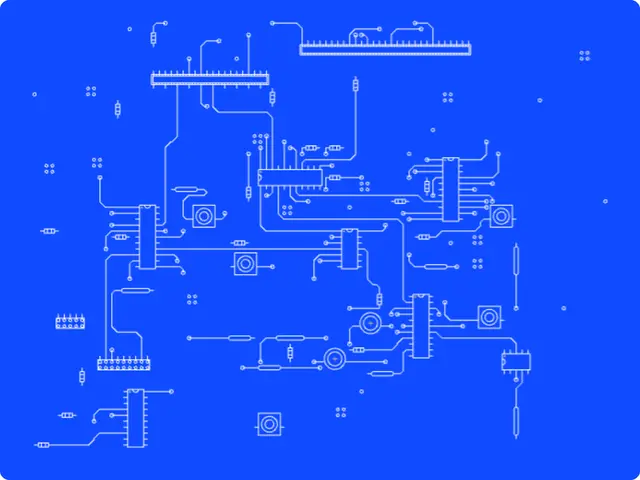
PCB layouts and schematics for backgrounds, posters and interfaces: chips and parts wired by routed traces, on blueprint blue, a dark board or paper. Press Generate for a new board.
Make this tool
Opens Blueprint with this request, ready to send or to change:
A circuit board pattern generator: PCB layouts and schematics with chips, connectors and parts wired by routed traces, density, labels, a title block and blueprint, dark or paper palettes
Free account, no credit card. Try every control on this page; export and keep the tool from your account.
Prefer your own coding agent? Build it with Claude Code, Codex or Cursor: connect your agent.
Presets
- Dark PCB
- Dense Schematic
- Blueprint
- Green Board
- Patent Paper
7 versions made with Circuit Blueprint
The tool’s own output, from the same input as the version above: each of its presets, then other seeds. Every image comes straight from the tool.
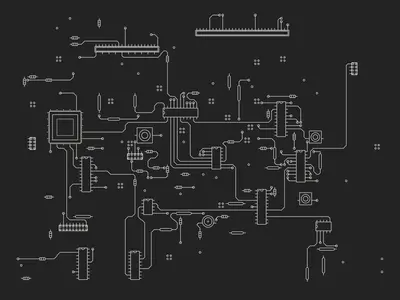
Dark PCB preset 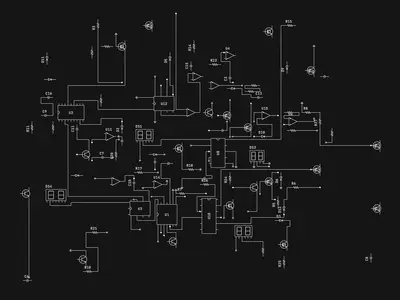
Dense Schematic preset 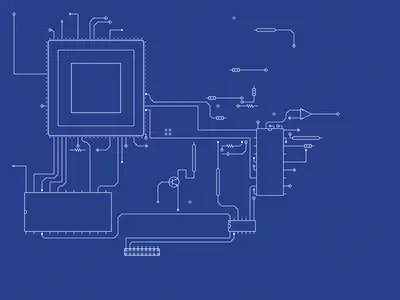
Blueprint preset 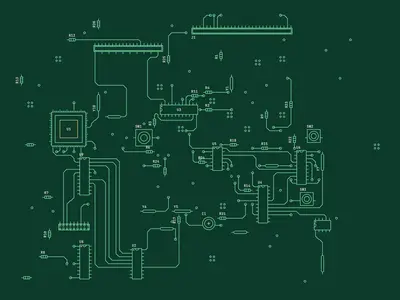
Green Board preset 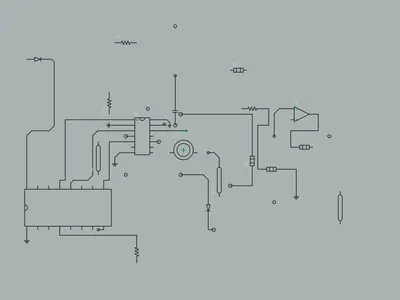
Patent Paper preset 
Seed 1207 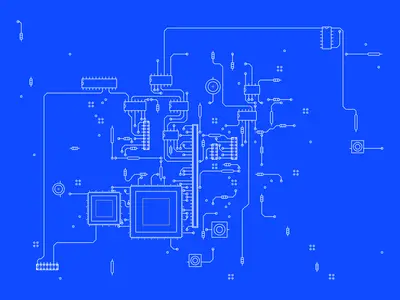
Seed 58311
Try the controls
Every slider, preset and option works here, without an account. To export or keep the tool, create a free account.
Boards and schematics
Electronics are drawn in two ways. A schematic shows how parts are connected, with standard symbols for resistors, capacitors, chips and connectors, and lines for the wires. A printed circuit board (PCB) layout shows where those parts physically sit on a board and how copper traces run between their pins, usually at right angles and 45° turns.
Both have a strong graphic language: the grid, the routed traces, the pads and pins, the small reference labels such as U1 for a chip, R4 for a resistor or C2 for a capacitor, and the title block in the corner of a schematic sheet. That language is what designers borrow for tech, science and engineering visuals.
How this generator works
The tool places parts on a grid, then routes traces between their pins, in a PCB style, a schematic style or a mix of both. A density map can thin the board out in places. The version shown here uses a radial map, so the board fades toward the edges, on blueprint blue without labels.
- Style: PCB board, Schematic or Mixed. Seed and Generate give a new layout.
- Grid unit, Density, Part size and Edge margin: the layout.
- Density map: none, fractal clouds, ridges, cells, islands or radial, with Noise scale, Emptiness and Invert map.
- Connections, Bus width, Loose ends and Line weight: the wiring.
- Part labels: designators (U1, R4), values (10k, LM358) or both, how many parts are labeled, their typeface and direction, plus pin numbers.
- Title block: a text of your own in the corner, with its typeface.
- Board frame, Paper grid and four colors: the finish.
What designers use it for
- Backgrounds for tech, hardware, AI and engineering brands.
- Conference, hackathon and product-launch visuals.
- Posters, covers and editorial illustrations about technology.
- Interface and motion backgrounds where a texture needs to feel technical without being busy.
Tips
For a background under text, lower the density and use a radial or islands map to keep an empty area where the text goes. Turn labels on for close-ups and posters, off for textures. The Patent Paper preset, with its paper color and dark lines, works well for editorial pieces; Dark PCB and Green Board look like real boards. The other presets are Dense Schematic and Blueprint.
Make your own version
Traces that animate like signals, a board shaped like your logo, a single chip close up: describe it and Blueprint builds the tool. Every change is saved as a version you can go back to.
Questions
Are these working circuits?
No. The parts and traces are drawn for the look, not designed to work. Use it for graphics, not for manufacturing a board.
Can I add my own title?
Yes. Type it in the Title block field and pick its typeface. Leave it empty for no title block.
Can I use my brand colors?
Yes. Background, Lines, Accent and Text are color controls, and you can save your own preset in your copy.
More tools

What tool do you need?
Describe it in a sentence. Blueprint builds it with sliders, presets and export. Your first tool is free.
See how it works