Cross stitch pattern generator
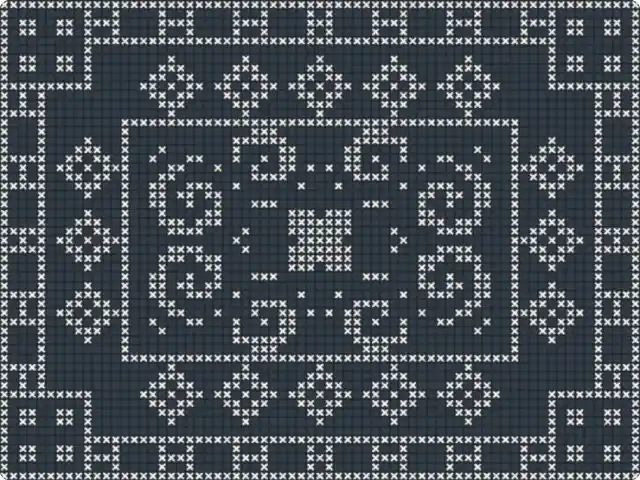
A symmetric two-color chart that fills the frame, in the style of antique filet-crochet and cross-stitch samplers. Press Generate for a new one, or change the border, the motifs and the stitch.
Make this tool
Opens Blueprint with this request, ready to send or to change:
A cross-stitch pattern generator: symmetric two-color charts in the style of antique filet-crochet, with borders, corner flowers, a diamond band, scrolls and a central rosette, square, bead or cross stitches, and chart grid lines
Free account, no credit card. Try every control on this page; export and keep the tool from your account.
Prefer your own coding agent? Build it with Claude Code, Codex or Cursor: connect your agent.
Presets
- Antique red
- Indigo scrolls
- Dense checker
- Gold beads
- Cross-stitch
7 versions made with Cross-Stitch Tile
The tool’s own output, from the same input as the version above: each of its presets, then other seeds. Every image comes straight from the tool.
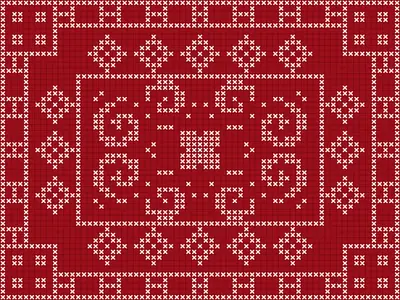
Antique red preset 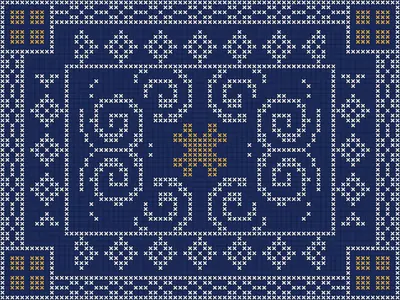
Indigo scrolls preset 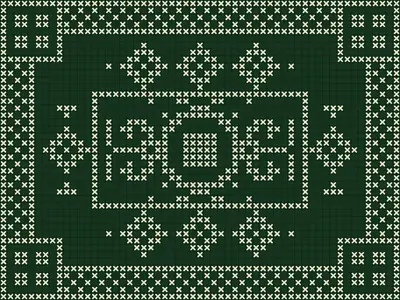
Dense checker preset 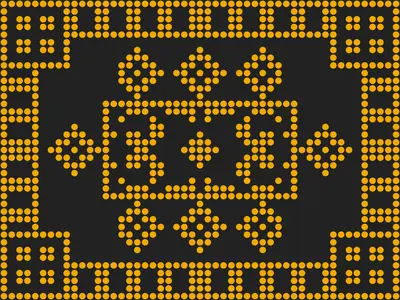
Gold beads preset 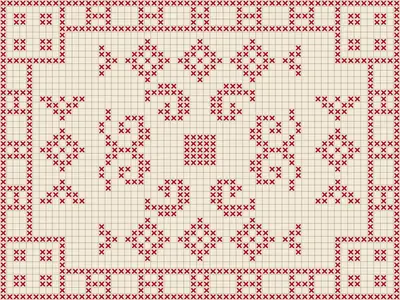
Cross-stitch preset 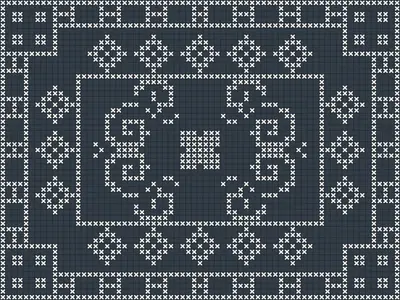
Seed 1207 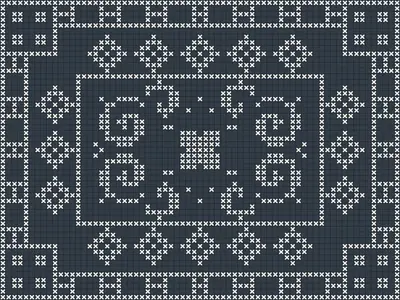
Seed 58311
Try the controls
Every slider, preset and option works here, without an account. To export or keep the tool, create a free account.
Charts, samplers and filet crochet
Cross-stitch is counted embroidery: every stitch is a small X sewn over a square of evenweave fabric, so a design is a grid where each cell is one stitch of one color. That grid is the chart. Embroiderers read it square by square, which is why charts have bold grid lines every few cells.
For centuries, girls and women practiced on samplers: pieces of linen covered with alphabets, borders, flowers and geometric bands, often perfectly symmetric. Filet crochet uses the same kind of chart with only two states per cell, filled or open, to imitate filet lace. Both traditions gave us the look this tool imitates: a strict grid, two colors, mirrored motifs and decorative borders.
How this chart generator works
The tool composes a chart from a set of traditional motifs, then mirrors it so the whole design stays symmetric around its center. Seed and Generate rearrange it; every other control changes one part of the composition.
- Stitches across: the size of the chart, in stitches.
- Border style: chain links, diamonds, a checker or dashes, with Border width. Corner flowers, Diamond band and Inner frame switch those motifs on or off.
- Rosette: the central flower, with its number of petals, its size and an optional ring.
- Scrolls: their size, tightness, position and direction (clockwise or counter-clockwise).
- Sprinkles: small scattered stitches that fill the empty areas.
- Stitch shape and Stitch gap: filled squares, round beads or crosses, and the space between them.
- Chart grid lines: a grid you can count.
- Ground, Thread and Accent: the colors, with an optional accent thread.
What it is good for
- Starting points for real embroidery or filet crochet: turn on the grid lines and count.
- Folk and craft-inspired graphics for packaging, labels, menus and invitations.
- Textile prints, scarves and cushions with a charted, handmade look.
- Bead patterns, using the Round bead stitch shape.
Tips
A smaller number of stitches across gives bolder motifs that read from far away; a larger one gives finer, lace-like detail. Turn off a motif or two (inner frame, diamond band) when the chart looks busy. Light thread on a dark ground, like the white-on-slate version shown here, feels modern; red on cream feels like an antique sampler. The presets are Antique red, Indigo scrolls, Dense checker, Gold beads and Cross-stitch.
Describe the chart tool you need
Need a sampler alphabet, a chart from your own picture, more colors, or a pattern sized for a specific fabric count? Describe it and Blueprint builds the tool with its own sliders and presets. Ask for changes in plain words; every change is saved as a version.
Questions
Can this cross stitch pattern generator turn my photo into a chart?
No. This one generates its own symmetric motifs. You can describe a tool that charts an image instead, and Blueprint builds that one.
Can I count stitches on the chart?
Yes. Turn on Chart grid lines: every stitch sits in its own cell. Export the chart as a PNG once you have your own copy of the tool.
How many colors does it use?
Two, ground and thread, plus an optional accent thread.
Does it give thread colors or a stitch count?
No. It draws the chart only. Ask for a legend or a stitch count in your copy of the tool and Blueprint adds it.
More tools
What tool do you need?
Describe it in a sentence. Blueprint builds it with sliders, presets and export. Your first tool is free.
See how it works