Cross stitch effect generator
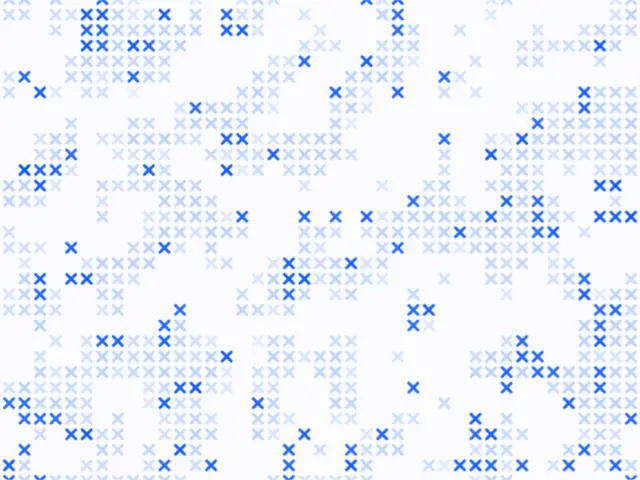
A full-frame field of cross stitches gathered in clusters, drifting slowly. Move your pointer over it: you sew colored stitches that come undone after a few seconds.
Make this tool
Opens Blueprint with this request, ready to send or to change:
An animated cross-stitch field in clusters on paper: the pointer sews colored stitches that slowly unravel, with cell size, density, drift speed, stitch lifetime and three colors
Free account, no credit card. Try every control on this page; export and keep the tool from your account.
Prefer your own coding agent? Build it with Claude Code, Codex or Cursor: connect your agent.
Presets
- Cobalt
- Red thread
- Dense field
- Moss
6 versions made with Cross Stitch Clusters
The tool’s own output, from the same input as the version above: each of its presets, then other seeds. Every image comes straight from the tool.
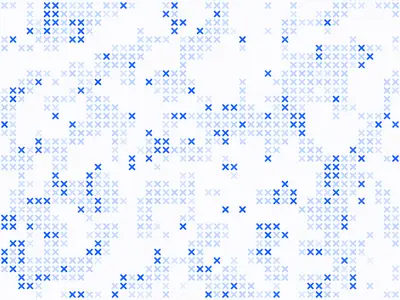
Cobalt preset 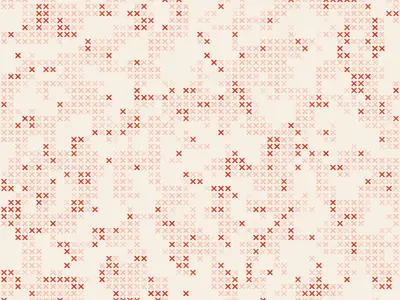
Red thread preset 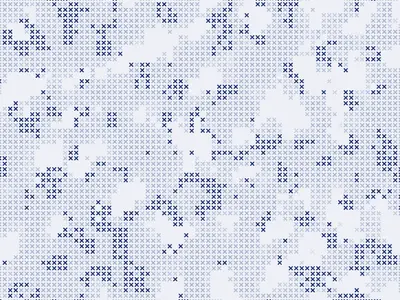
Dense field preset 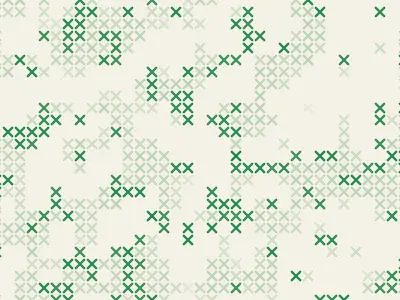
Moss preset 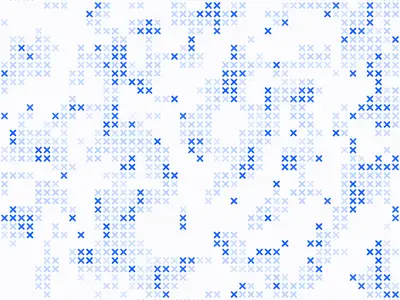
Seed 1207 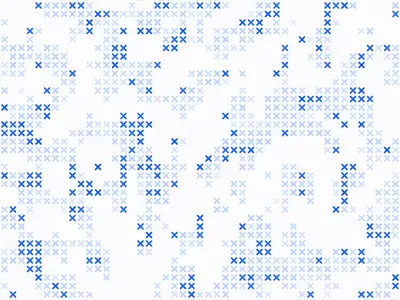
Seed 58311
Try the controls
Every slider, preset and option works here, without an account. To export or keep the tool, create a free account.
A stitch effect that moves
Most cross stitch effects are filters: they take a picture and redraw it as little Xs on a grid, like an embroidery chart. This tool takes another route. It draws its own field of stitches, gathered in clusters like patches of embroidery, and keeps it alive: the field drifts, and your pointer becomes a needle.
The look borrows from counted cross-stitch, where every stitch sits in one square of a grid, and from the way embroidery is often worked in areas rather than lines: dense patches, lighter edges, a few stray stitches.
How the effect works
The frame is a grid of cells. A noise field decides which cells carry a stitch, so the marks gather in clusters instead of spreading evenly. Some stitches are drawn heavier than others, and a little scatter loosens the grid so it doesn’t look mechanical.
The pointer works as a brush: every cell it crosses gets a stitch in the thread color, which fades after the lifetime you set. On a phone, your finger does the same.
- Cell size, Mark size and Stroke weight: the grid, the size of each X, and the thickness of the thread.
- Density and Cluster scale: how many stitches, and how big the clusters are.
- Strong share: how many stitches are drawn heavier.
- Scatter and Seed: how loose the grid is, and a new arrangement.
- Drift speed: how fast the field moves.
- Stitch lifetime and Brush radius: how long sewn stitches last, and how wide the brush is.
- Paper, Ink and Thread: the three colors.
What designers use it for
- Interactive website headers and landing pages for craft, fashion and textile brands.
- Looping social video with a handmade, embroidered texture.
- Backgrounds for event screens and installations where people can draw with their hand.
- Still textures for packaging and print, exported as a single frame.
Tips
Choose a thread color that stands out from the ink so the sewn stitches read as your own. A small cell size looks like fine fabric; a large one looks graphic and bold. A long stitch lifetime lets people draw shapes and words; a short one leaves only a trail. The presets are Cobalt, Red thread, Dense field and Moss.
Your own version
This tool was made in Blueprint from a description. Want the effect on your own image or logo, a different stitch, or a still version for print? Describe it and you get your own tool. Animated tools export a short video as well as a PNG.
Questions
Can I apply the cross stitch effect to my own image?
Not with this tool: it draws its own field. Describe a version that reads your image, and Blueprint builds it.
Does it work on a phone?
Yes. Drag your finger over the field to sew.
Can I export it as a video?
Yes, once you have your own copy of the tool. Animated tools export a short video, and any frame as a PNG.
More tools
What tool do you need?
Describe it in a sentence. Blueprint builds it with sliders, presets and export. Your first tool is free.
See how it works