Dither generator
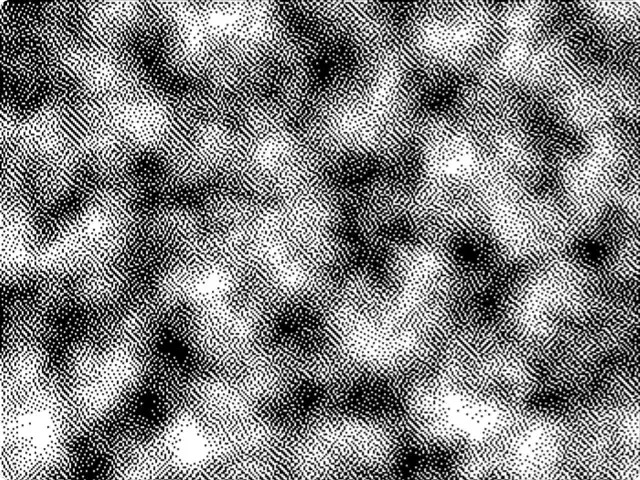
Ordered and error-diffusion dithering on your own image or on a noise field, with pixel size, levels and a two-color palette. The classic Mac look is one preset away.
Get this tool
Opens Blueprint with this request. Send it as is and you get your own copy of this tool, without spending credits:
A dithering tool with the classic Mac Atkinson look, on a noise field or my own photos
Free account, no credit card. Try every control on this page; export and keep the tool from your account.
Prefer your own coding agent? Build it with Claude Code, Codex or Cursor: connect your agent.
Presets
- Game Boy
- Atkinson Mac
- Violet noise
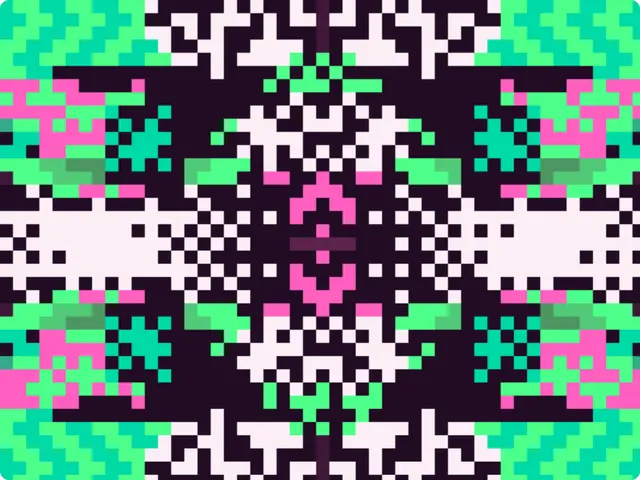
5 versions made with Dither Studio
The tool’s own output, from the same input as the version above: each of its presets, then other seeds. Every image comes straight from the tool.
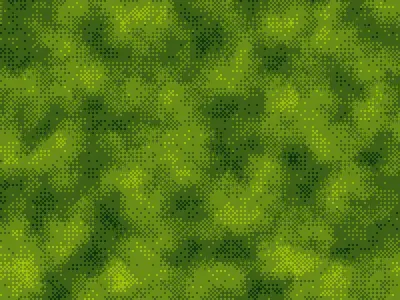
Game Boy preset 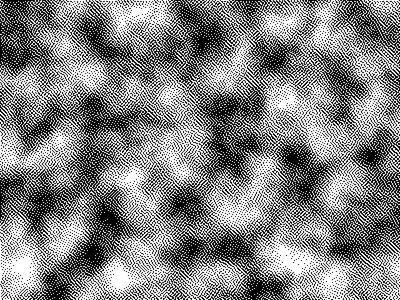
Atkinson Mac preset 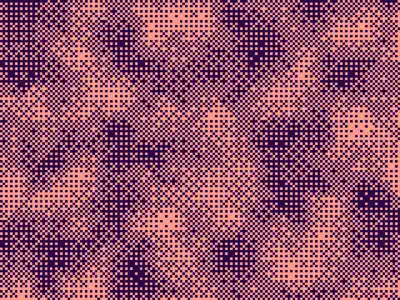
Violet noise preset 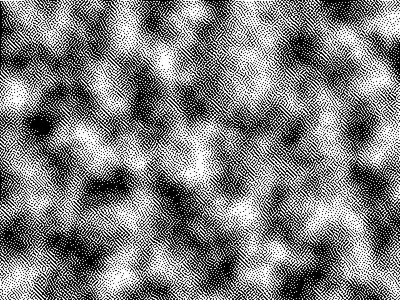
Seed 1207 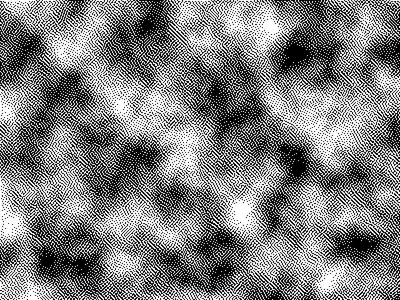
Seed 58311
Try the controls
Every slider, preset and option works here, without an account. To export or keep the tool, create a free account.
What dithering is
Dithering fakes tones you don’t have. With only two colors, a dither scatters dark and light pixels so that, from a distance, they average into grays. It started as a fix for screens and printers that could show very few colors, and it is now a look of its own: early Macintosh graphics, Game Boy screens, zines and a lot of current web and motion design.
There are two big families. Ordered dithering compares each pixel to a fixed pattern of thresholds, which gives a regular, woven texture. Error diffusion rounds each pixel to the nearest available color and passes the rounding error on to the pixels that haven’t been drawn yet, which gives a more organic grain.
Bayer, Floyd–Steinberg and Atkinson
Bayer dithering uses a threshold matrix described by Bryce Bayer in 1973. The 2×2, 4×4 and 8×8 versions in this tool repeat their pattern every 2, 4 or 8 pixels: the bigger the matrix, the more tones it can show and the finer the cross-hatching.
Floyd–Steinberg (Robert Floyd and Louis Steinberg, 1976) spreads all of each pixel’s error to four neighbors. It keeps the most detail from a photo and is the default in many image editors.
Atkinson dithering comes from Bill Atkinson’s work on the original Apple Macintosh. It spreads only three quarters of the error, to six neighbors, and drops the rest. Highlights and shadows lose detail and the midtones get crisp: that is the high-contrast early Mac look.
Interleaved noise uses a noise function as its threshold instead of a matrix, for an even grain without a visible grid.
What each setting changes
The presets are Game Boy (four greens, Bayer 4×4), Atkinson Mac (black and white, Atkinson) and Violet noise (Bayer 8×8 on a noise field).
- Source: an image you upload, or a noise field with its own scale and seed.
- Algorithm: Bayer 2×2, 4×4, 8×8, interleaved noise, Floyd–Steinberg or Atkinson.
- Pixel size: how big each dither pixel is drawn. 1 is the finest; 4 to 6 makes the pattern part of the design.
- Levels: how many tones sit between the two colors. 2 is pure two-color dithering; 4 gives a Game Boy-like ramp.
- Contrast and Brightness: adjust the image before it is dithered.
- Shadows and Highlights: the two colors of the palette, with the levels in between.
What designers use it for
- Retro and lo-fi visuals: posters, album covers, social posts with a 1-bit or Game Boy look.
- Images that stay light: a two-color dither compresses well as a PNG, which helps for web pages and email.
- Textures and gradients for motion design, where a dithered gradient avoids banding.
- Print with one or two inks, where a dither replaces a halftone screen.
Tips
Raise the contrast before dithering: error diffusion is honest about flat images and makes them look muddy. For portraits, Floyd–Steinberg at pixel size 1 or 2 keeps faces readable; for graphic posters, Bayer with a bigger pixel size gives a stronger pattern. Pick colors with a clear difference in brightness, not just hue, or the dither disappears.
Build the dithering tool you need
Need a dither that uses your brand palette, works on video frames, or adds a halftone pass? Describe it and Blueprint builds the tool, with the same kind of controls every time. Ask for changes in plain words; every change is saved as a version.
Questions
Which dithering algorithm should I pick?
Bayer for a regular, graphic pattern; Floyd–Steinberg to keep the most detail from a photo; Atkinson for the high-contrast early Mac look; interleaved noise for an even grain without a visible grid.
Can I dither my own photos?
Yes. Get your copy of the tool with the button on this page, set Source to Image and upload a picture. Pixel size, levels, contrast and brightness all apply to it.
Can I use more than two colors?
This tool dithers between two colors with up to six levels in between. Describe a version with a full palette and Blueprint builds it.
Can I export the dithered image?
Yes, as a PNG, once you have your own copy of the tool. Ask the tool for 2× or 4× export if you need larger files.
More tools
What tool do you need?
Describe it in a sentence. Blueprint builds it with sliders, presets and export. Your first tool is free.
See how it works