Halftone generator
Dots, lines or crosses, one ink or two overprinted, on a noise field or on your own picture. Try the one below, then describe the halftone tool you actually need.
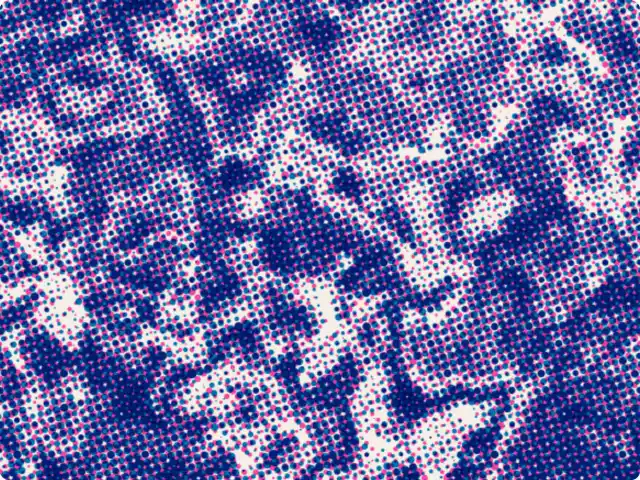
Get this tool
Opens Blueprint with this request. Send it as is and you get your own copy of this tool, without spending credits:
A riso halftone tool for my images: one or two overprinted inks, with dots, lines or crosses
Free account, no credit card. Try every control on this page; export and keep the tool from your account.
Prefer your own coding agent? Build it with Claude Code, Codex or Cursor: connect your agent.
Presets
- Pink/blue riso
- Newsprint
- Engraving
- Neon
5 versions made with Riso Halftone
The tool’s own output, from the same input as the version above: each of its presets, then other seeds. Every image comes straight from the tool.
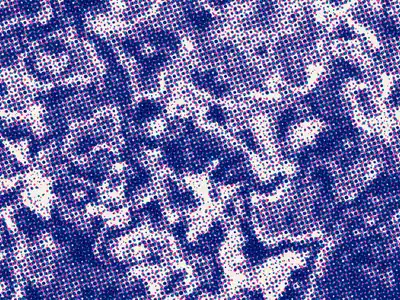
Pink/blue riso preset 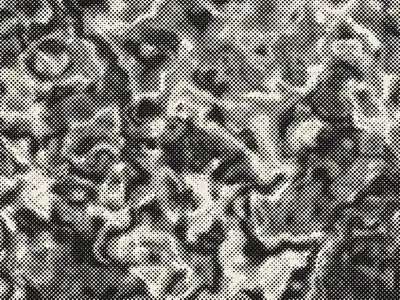
Newsprint preset 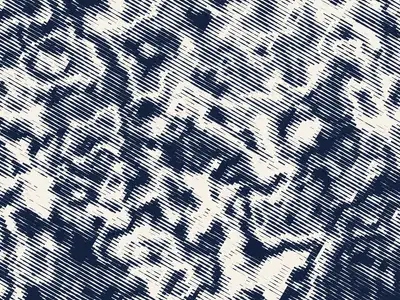
Engraving preset 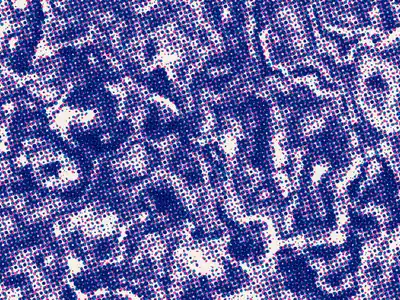
Seed 1207 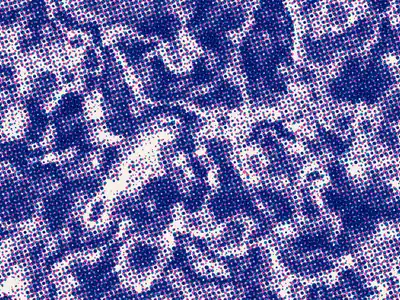
Seed 58311
Try the controls
Every slider, preset and option works here, without an account. To export or keep the tool, create a free account.
What a halftone is
A printing press can’t print gray. It puts ink on paper or it doesn’t. A halftone gets around this by turning tones into a grid of shapes: big dots where the image is dark, small dots where it is light. Seen from a normal distance, the eye blends the dots and reads a continuous image.
Halftone screens made it possible to print photographs in newspapers and magazines alongside text, from the late 19th century on. Color printing uses the same idea with one screen per ink, each turned to a different angle so the grids don’t interfere and create moiré. Comics, pop art and risograph zines later turned the dots into a look of their own.
Risograph and two-ink halftones
A risograph is a stencil printer that prints one ink at a time, each with its own drum. Two-color riso prints overlap two halftones, and the layers never line up perfectly: that slight misregistration, the grain and the bright inks (fluorescent pink, blue, yellow) are what people mean by a riso effect.
The tool above imitates that: in Two inks mode it draws two halftones on top of each other, each on its own screen, with a Misregistration slider that offsets them by a few pixels.
How this halftone generator works
The tool samples a source on a grid of cells and draws one shape per cell, sized by the tone underneath. The source is a noise field (warped noise, ridges or blobs, with a seed) or an image you upload.
- Shape: dots, squares, lines (for an engraving or line-screen look) or crosses.
- Cell size: the size of the grid, so the screen frequency. Small cells keep detail, big cells make the dots part of the design.
- Dot gain: makes every shape a little fatter, like ink spreading into paper.
- Angle: rotates the screen. 45° is the classic angle for a single ink.
- Contrast and Brightness: adjust the tones before they become dots.
- Mode, Paper, Ink A, Ink B, Misregistration: one or two inks, their colors and how far apart they print.
What designers use it for
- Poster and flyer backgrounds with a printed feel, even when the final piece is printed digitally.
- Turning product shots or portraits into one- or two-color graphics for packaging, merch and zines.
- Brand textures: a halftone in brand colors used as a background on social posts or slides.
- Preparing artwork for screen printing, where every color is one flat layer.
Tips for a good halftone
Push the contrast before you touch the cell size: a halftone of a flat, gray picture is a flat, gray halftone. For photos of faces, start with small cells and dots, then increase the cell size until the effect is visible without losing the eyes. Two close inks (pink and red) give a soft result; two opposite ones (pink and blue) give the classic riso look. Keep the misregistration small, one to three pixels, or the image starts to double.
Make your own halftone tool
Every halftone job is a little different: a CMYK-like separation for a poster, a single-ink line screen for an engraving look, a halftone that follows a logo. In Blueprint you describe the tool in a sentence and get a working one with its own sliders and presets, then ask for changes until it fits. You never see the code.
Exports are PNG at 1×, and at 2× or 4× when you ask the tool for print sizes. On a paid plan you can publish the tool on its own page or share it with a client, so they can make the next assets themselves.
Questions
Can I use the halftone generator on my own image?
Yes. Get your copy of the tool with the button on this page, set Source to Image and upload a picture: the tool samples your image instead of the noise field.
Can I get a halftone with lines or crosses instead of dots?
Yes. The Shape control switches between dots, squares, lines and crosses, and Angle rotates the screen.
What is the difference between a halftone and dithering?
A halftone groups ink into shapes on a regular grid, and the shape size carries the tone. Dithering keeps every pixel the same size and scatters dark and light pixels instead. The dither generator on this site does the second.
Can I export the halftone?
Yes, as a PNG, once you have your own copy of the tool. Ask the tool for 2× or 4× export for print sizes.
Can I change how the halftone generator works?
Yes. Describe the change in the chat, for example “add a third ink” or “make the dots follow a logo”, and Blueprint updates the tool. Each change is a new version you can go back to.
More tools
What tool do you need?
Describe it in a sentence. Blueprint builds it with sliders, presets and export. Your first tool is free.
See how it works