Pixel art pattern generator
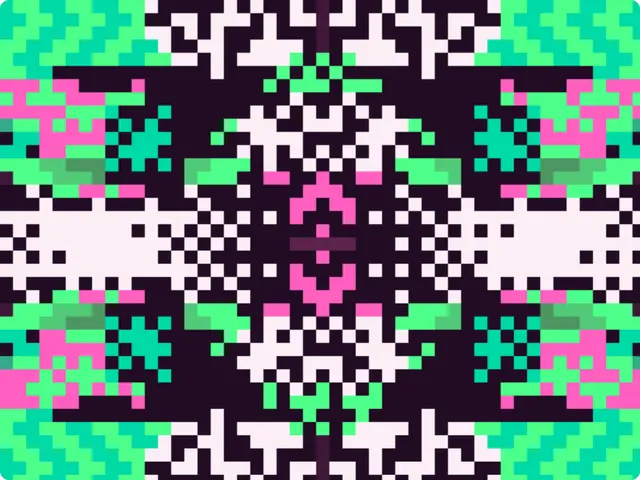
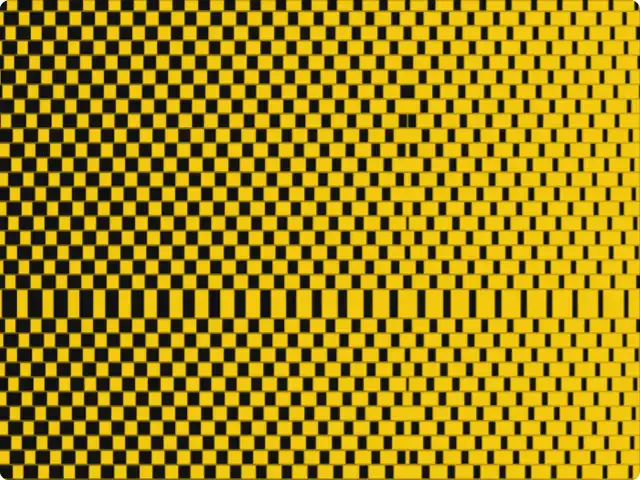
Pixel art built from zones of dither, chevrons, rings and bands, mirrored four ways like a totem. Draw on it: the brush paints new zones, mirrored too.
Make this tool
Opens Blueprint with this request, ready to send or to change:
A symmetric pixel art pattern generator: zones of dither, chevrons, rings and bands mirrored four ways, with a brush that paints new mirrored zones, pixel size and five colors
Free account, no credit card. Try every control on this page; export and keep the tool from your account.
Prefer your own coding agent? Build it with Claude Code, Codex or Cursor: connect your agent.
Presets
- Acid garden
- Gameboy relic
- Sunset temple
- Fine grid
6 versions made with Mirror Pixel Totem
The tool’s own output, from the same input as the version above: each of its presets, then other seeds. Every image comes straight from the tool.
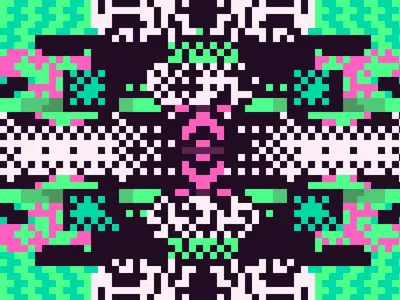
Acid garden preset 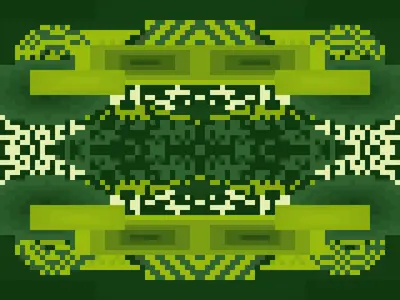
Gameboy relic preset 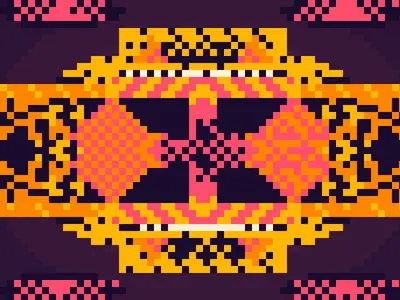
Sunset temple preset 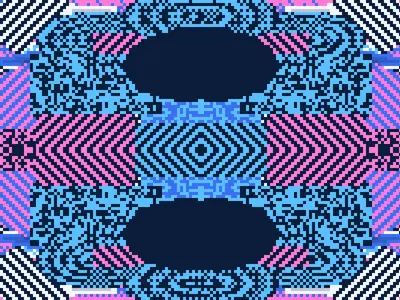
Fine grid preset 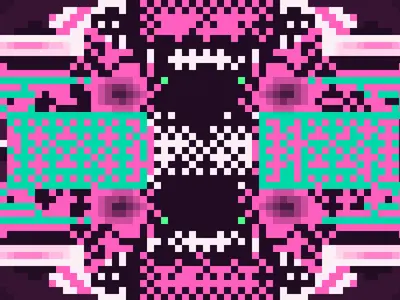
Seed 1207 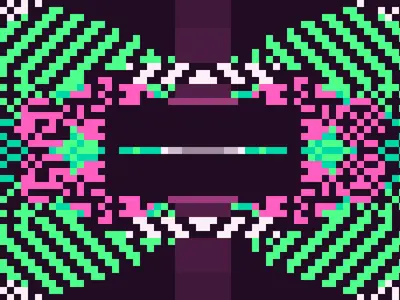
Seed 58311
Try the controls
Every slider, preset and option works here, without an account. To export or keep the tool, create a free account.
Pixel art and symmetry
Pixel art is drawn at the scale of the pixel: every square is placed on purpose, with a small palette. It comes from the limits of early computers and game consoles, which had low resolutions and few colors, and it stayed popular long after those limits disappeared because the constraint makes images crisp and readable.
Mirroring is one of the oldest tricks in the genre. Draw half a sprite, flip it, and you get a character, an icon or an emblem that looks designed. Mirror both ways and a few random marks turn into a totem, a mask or a carpet motif: the eye reads four-way symmetry as intention, even when the source is noise.
How this pattern generator works
The tool scatters zones on a pixel grid, fills each one with a texture (gradient bands, dither, rings, checker or noise) and mirrors the result. Then you can paint: the brush adds zones of its own, which are mirrored like the rest. The version shown here has the Trail brush on, so dragging across it leaves a mirrored trail.
- Seed, Pixel size, Zones and Zone size: the composition.
- Symmetry: four-way, left/right, or none.
- Brush: off, Stamp, Trail, Scatter, or Cut to erase zones. Brush size, shape (ellipse, rectangle, diamond), fill and colors can be fixed or picked at random for each stroke.
- Undo last stroke and Clear painted zones: buttons in the tool.
- Gradient bands and Vignette: the finishing texture.
- Dark, Pink, Green, Mint and Light: the five colors.
What designers use it for
- Emblems, badges and avatars with a game-like feel.
- Album covers, posters and festival graphics in a bright, digital-folk style.
- Textile and rug-like patterns, thanks to the four-way symmetry.
- Backgrounds and stickers for games, streams and social media.
Tips
A bigger pixel size gives a bolder, more iconic result; a small one looks like a woven textile. Change the seed until the center works, then paint the edges with the brush. Cut is useful to clear space around the middle. Swap the five colors for a palette of your own: keeping one very dark and one very light color keeps the pattern readable. The presets are Acid garden, Gameboy relic, Sunset temple and Fine grid.
Your own pixel art tool
Pixel art from a photo, sprites, a tile set, a pattern for beads: describe the tool you need and Blueprint builds it with sliders and presets.
Questions
Can it turn a photo into pixel art?
No, this one generates its own patterns. The dither generator on this site works on your own images, or you can describe a pixel art converter.
Can I draw on the pattern?
Yes. Pick a brush mode (Stamp, Trail or Scatter) and drag over the image; Cut erases zones. Strokes are mirrored like the rest of the pattern.
Can I export the pixel art?
Yes, as a PNG, once you have your own copy of the tool. Ask the tool for 2× or 4× export if you need larger files.
More tools
What tool do you need?
Describe it in a sentence. Blueprint builds it with sliders, presets and export. Your first tool is free.
See how it works