Op art generator
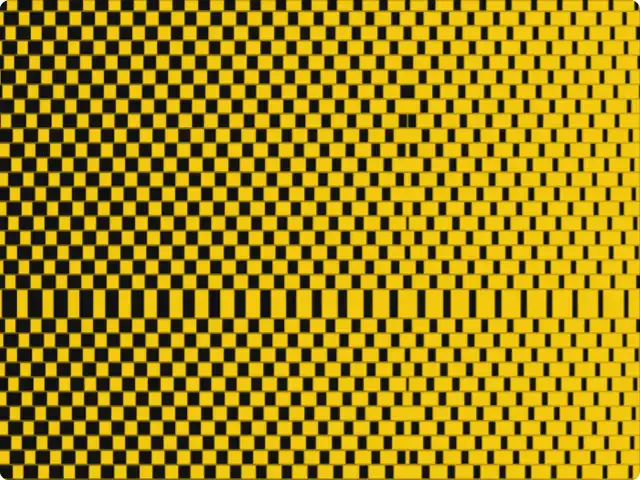
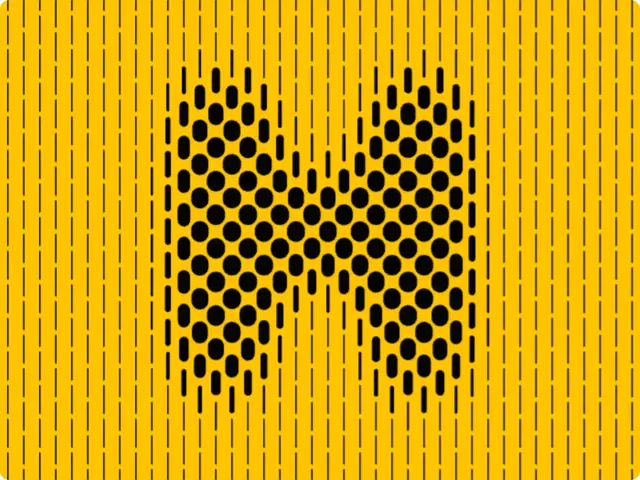
Stripes shifted row by row into concentric diamonds, circles, squares or stars, tapering from left to right, for a 60s optical vibration. Animated, with a new variation in one click.
Get this tool
Opens Blueprint with this request. Send it as is and you get your own copy of this tool, without spending credits:
Animated 60s op art: vertical stripes shifted into concentric diamonds, thinning from left to right
Free account, no credit card. Try every control on this page; export and keep the tool from your account.
Prefer your own coding agent? Build it with Claude Code, Codex or Cursor: connect your agent.
Presets
- Classic yellow
- Red circles
- Cobalt square
- Acid star
6 versions made with Op Art Vibrations
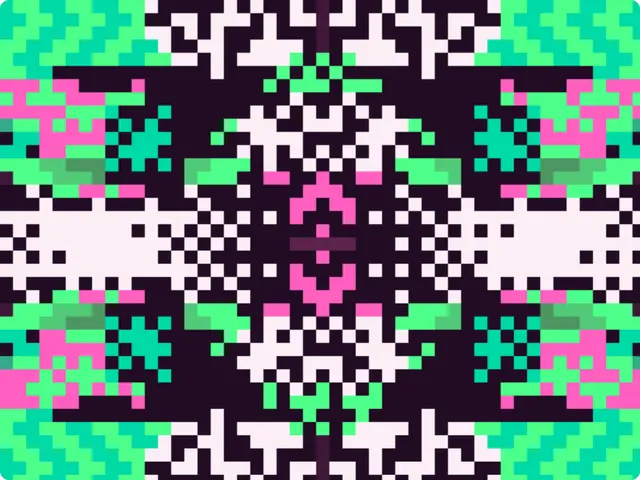
The tool’s own output, from the same input as the version above: each of its presets, then other seeds. Every image comes straight from the tool.
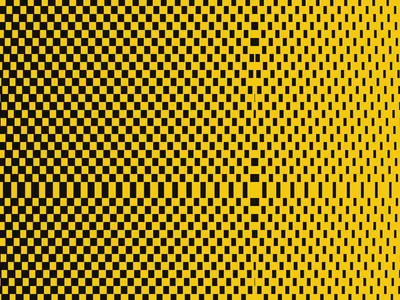
Classic yellow preset 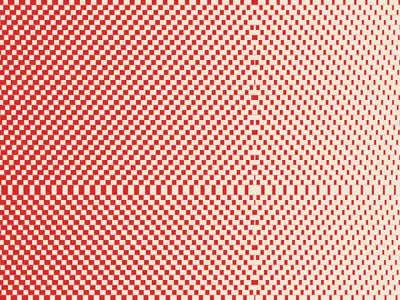
Red circles preset 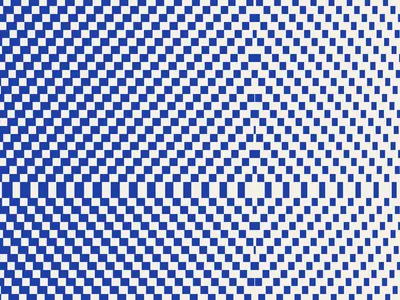
Cobalt square preset 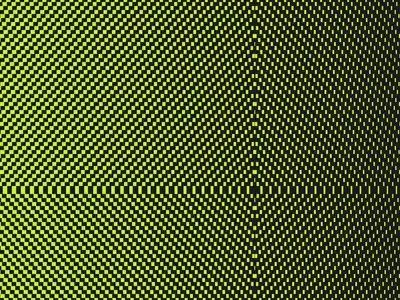
Acid star preset 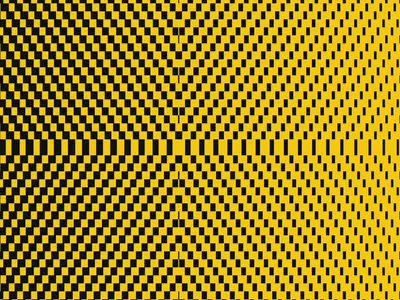
Seed 1207 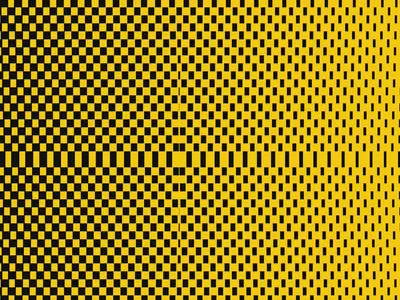
Seed 58311
Try the controls
Every slider, preset and option works here, without an account. To export or keep the tool, create a free account.
What op art is
Op art, short for optical art, is abstract art that works on the eye directly. Precise geometric patterns, usually in black and white or in strong contrasting colors, make a flat surface seem to bulge, ripple, flicker or move.
Victor Vasarely explored these effects from the 1930s, and Bridget Riley’s black-and-white paintings of the early 1960s, such as Movement in Squares (1961), became some of the best-known examples. The name “op art” appeared in Time magazine in 1964, and the Museum of Modern Art’s exhibition The Responsive Eye, in 1965, brought the movement to a wide audience. Its patterns then spread quickly to fashion, record sleeves and advertising.
How the illusion works
Our visual system is built to find edges and movement. When a pattern of high-contrast lines changes slowly in spacing, direction or thickness, the eye can’t settle on it: it reads curves that aren’t drawn, depth on a flat page, or a shimmer along the lines. Small changes repeated many times do the work; no single line is curved.
This tool uses that principle. Vertical stripes are cut into horizontal bands, and each band is shifted a little more than the one above it. Nothing outlines the shape, yet the shifts add up into a diamond, a circle, a square or a star. Thinning the stripes from left to right adds a second movement across the frame, and the drift animation keeps the pattern from ever standing still.
What each setting changes
The presets are Classic yellow, Red circles, Cobalt square and Acid star.
- Shape: diamond, circle, square or star, the figure the shifted bands draw.
- Stripe spacing and Band height: the width of the stripes and the height of each shifted band. Small values give a finer, stronger vibration.
- Thickness and Left-to-right taper: how much of each stripe is ink, and how much it thins across the frame.
- Drift speed: how fast the pattern moves. Zero gives a still image.
- Ground and Stripe: the two colors.
- Seed and Generate: a new variation of the pattern in one click.
What designers use it for
- Posters and covers that need to grab attention from a distance.
- Looping backgrounds for events, stages, music visuals and social video.
- Brand patterns in two brand colors, for packaging, tote bags or wrapping.
- Transitions and title cards in motion design.
Tips
The illusion is strongest with high contrast: black on yellow or white, or two colors far apart in brightness. Two colors of similar brightness, even if they look very different, flatten the effect. Fine stripes vibrate more but can blur once a video is compressed, so test your export on the screen it is meant for. Keep the drift slow for backgrounds behind text.
Your own op art tool
The request that made this tool is the single sentence on the button above. Change it to the effect you have in mind, like moiré circles, a checkerboard that bulges, or type made of lines, and Blueprint builds a tool with its own controls. The two tools further down were made the same way.
Questions
Who invented op art?
No single person. Victor Vasarely worked on optical effects from the 1930s, and Bridget Riley, Richard Anuszkiewicz and others developed the style in the 1960s. The term “op art” appeared in 1964.
Can I export op art as a video?
Yes, once you have your own copy of the tool. Animated tools export a short video, and any frame as a PNG.
Can I use my brand colors?
Yes. Ground and Stripe are color controls, and you can save your own preset in your copy.
Can I make a still op art image?
Yes. Set Drift speed to zero, or export a single frame as a PNG.
More tools
What tool do you need?
Describe it in a sentence. Blueprint builds it with sliders, presets and export. Your first tool is free.
See how it works