Moiré pattern generator
A math function sampled on a grid that is too coarse for it, then cut to black and white. The pattern it can’t represent turns into moiré: staircases, bands and rings that move.
Make this tool
Opens Blueprint with this request, ready to send or to change:
A moiré pattern generator: a math function (x·y, 1/y, rings, XOR, interference) sampled on a coarse grid and thresholded to two colors, with frequencies, threshold, offsets, cell size and animation
Free account, no credit card. Try every control on this page; export and keep the tool from your account.
Prefer your own coding agent? Build it with Claude Code, Codex or Cursor: connect your agent.
Presets
- Plotter moiré
- Horizon bands
- Fine rings
- XOR blueprint
- Interference
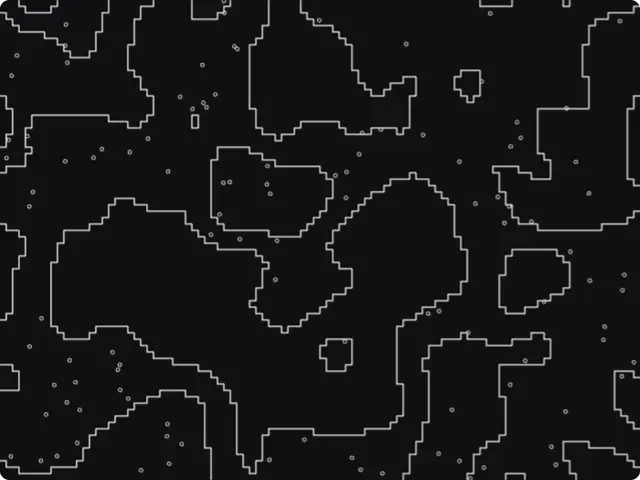
5 versions made with Math Plot Grid
The tool’s own output, from the same input as the version above: each of its presets, then other seeds. Every image comes straight from the tool.
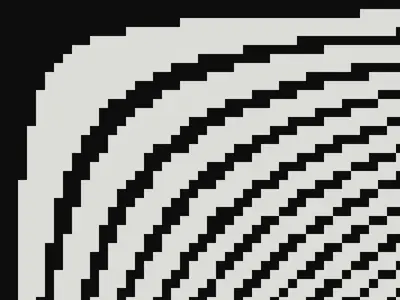
Plotter moiré preset 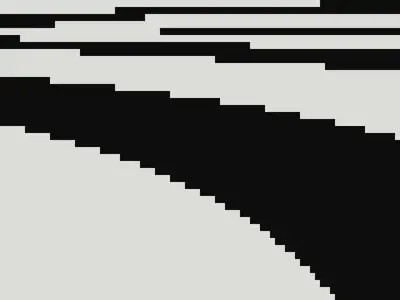
Horizon bands preset 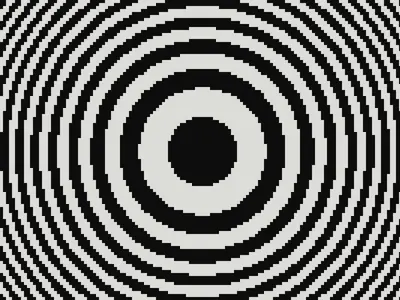
Fine rings preset 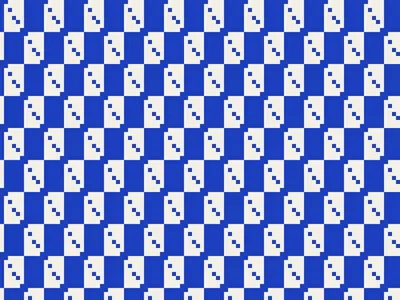
XOR blueprint preset 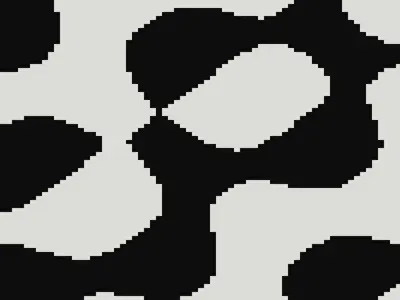
Interference preset
Try the controls
Every slider, preset and option works here, without an account. To export or keep the tool, create a free account.
What a moiré pattern is
A moiré is a large pattern that appears when two fine patterns overlap or when a fine pattern is seen through a grid. The name comes from moiré silk, a fabric pressed so that its threads produce a rippling, watery sheen.
You have seen it on a striped shirt on television, on a screen photographed with a phone, or in a scanned magazine picture. Printers fight it by turning each ink’s halftone screen to a different angle. Designers and artists use it on purpose, because it creates movement from almost nothing.
Why a coarse grid makes moiré
When a function changes faster than the grid that samples it, the samples alias: they no longer follow the function and draw large shapes that are not in it at all. Sampling theory says you need at least two samples per cycle to capture a pattern; below that, a new, slower pattern appears instead.
This tool makes that happen on purpose. It evaluates a formula on a grid of large cells and cuts the result to two colors with a threshold. Fine rings become wide bands, smooth curves become staircases, and moving the function under the fixed grid makes the moiré slide and change.
What each setting changes
The presets are Plotter moiré, Horizon bands, Fine rings, XOR blueprint and Interference.
- Formula: product x·y, hyperbola 1/y, rings x²+y², bitwise XOR or interference.
- Frequency A and B: how fast the function varies. Higher values give stronger aliasing.
- Threshold: where the cut between the two colors falls.
- Offset X and Offset Y: move the function under the grid.
- Cell width, Cell height and Origin at center: the sampling grid, and where the function starts.
- Speed: animates the function.
- Ink, Paper and Invert: the two colors.
What designers use it for
- Black-and-white posters and covers with a technical, plotter-like feel.
- Animated backgrounds for music, tech and event visuals.
- Patterns for print where the moiré itself is the subject, not a defect.
- Glitchy textures and transitions in motion design.
Tips
Moiré lives at the edge between too fine and too coarse: change Frequency A slowly and watch the pattern flip. Wide, flat cells (large width, small height) give horizontal staircases; square cells give the classic checkered moiré. Keep the speed low for backgrounds. Remember that compression and screens can add their own moiré to fine patterns, so preview your export at its final size.
Build another moiré tool
Two overlapping line screens, rotating circles, moiré type: describe the one you have in mind and Blueprint builds it with its own controls. The op art generator on this site was made the same way.
Questions
Can I export the moiré pattern?
Yes, once you have your own copy of the tool: as a PNG, and as a short video since the tool is animated.
Can I use my own formula?
Not in this tool, which has five built in. Describe the function you want and Blueprint adds it, or builds a tool around it.
How is this different from op art?
Op art is an art movement that uses many optical effects. Moiré is one of them, produced by overlapping or sampled patterns. The op art generator on this site uses shifted stripes instead.
More tools
What tool do you need?
Describe it in a sentence. Blueprint builds it with sliders, presets and export. Your first tool is free.
See how it works