Isometric illustration generator
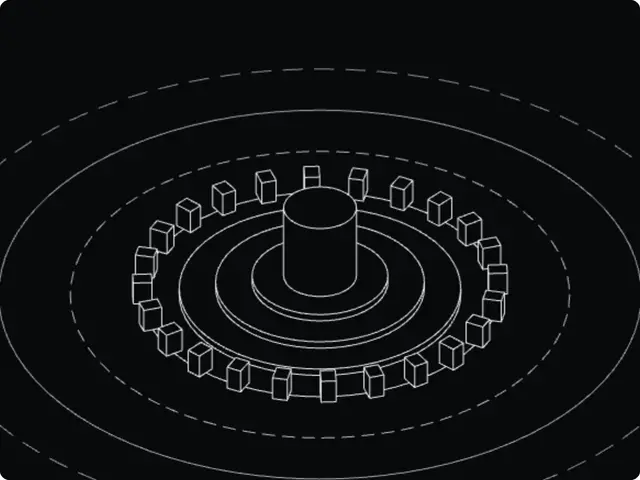
Isometric line-art scenes: a cylinder, cube, sphere or stack of discs on platforms, surrounded by blocks and wide orbits, drawn as clean wireframes with hidden lines removed.
Make this tool
Opens Blueprint with this request, ready to send or to change:
An isometric illustration generator: a central object on stacked platforms, a ring of blocks and concentric orbits, drawn as hidden-line wireframes, with camera tilt, slow rotation and SVG export
Free account, no credit card. Try every control on this page; export and keep the tool from your account.
Prefer your own coding agent? Build it with Claude Code, Codex or Cursor: connect your agent.
Presets
- Blueprint
- Amber cube
- Cyan sphere
- Disc tower
- Monolith
7 versions made with Isometric Wireframe Scene
The tool’s own output, from the same input as the version above: each of its presets, then other seeds. Every image comes straight from the tool.
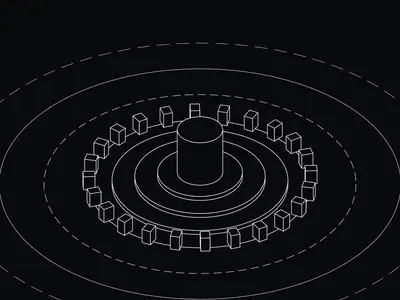
Blueprint preset 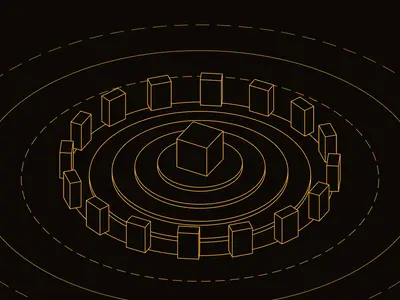
Amber cube preset 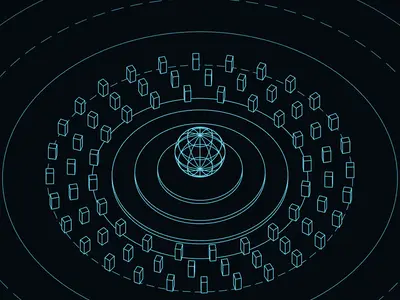
Cyan sphere preset 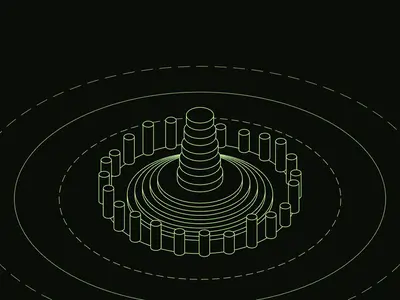
Disc tower preset 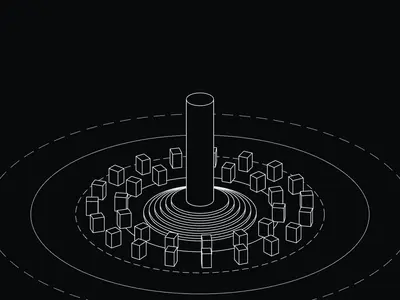
Monolith preset 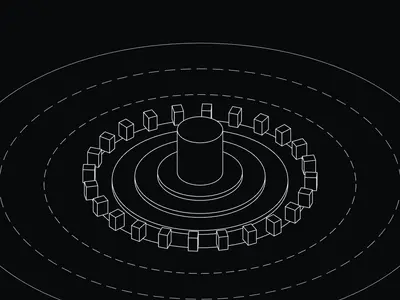
Seed 1207 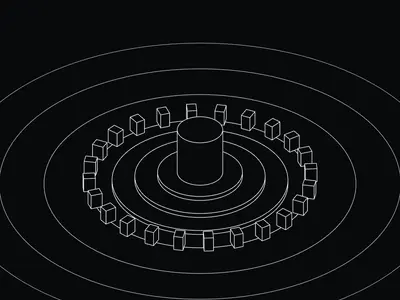
Seed 58311
Try the controls
Every slider, preset and option works here, without an account. To export or keep the tool, create a free account.
What isometric projection is
Isometric projection draws a 3D object so that its three axes are equally foreshortened and appear 120° apart on the page. There is no vanishing point: parallel edges stay parallel, and an object has the same size wherever it sits in the scene. The method was formalized for technical drawing by William Farish in 1822.
Because nothing shrinks with distance, isometric drawings are easy to read and to measure, which made them a staple of engineering drawings, assembly instructions, maps and games. In design, the isometric style became a common way to show products, systems and small worlds in a clean, diagrammatic way.
How this generator works
The tool builds a small 3D scene, a central object on stacked platforms surrounded by rings of blocks and concentric orbits, and draws it with a camera looking down at an angle you set. It removes the lines that would be hidden behind other objects, so the result reads like a technical line drawing rather than a tangle of edges.
- Center object: cylinder, cube, sphere or stacked discs, with its size and height.
- Platforms: how many, their spacing and height.
- Blocks: blocks, wide slabs or pillars, how many and in how many rings, their size, height and height variation.
- Orbits and Orbit spacing: the concentric rings around the scene.
- Seed: a new arrangement.
- Camera tilt and Slow rotation: the viewing angle, and an optional turn.
- Line weight, Line color and Background: the drawing style.
- Export SVG: a button in the tool that saves the vector drawing.
What designers use it for
- Hero images for tech and product websites, especially platforms and infrastructure.
- Diagrams and editorial illustrations where a clean line style fits better than 3D renders.
- Posters and covers with a technical, architectural feel.
- Vector bases to color and finish in Illustrator or Figma.
Tips
Fewer blocks and orbits make a calmer, more iconic image; many of them make a dense, city-like scene. A thin line weight looks precise at large sizes, a heavier one survives being scaled down. For print, export the SVG and set the final line weight in your vector app. The presets are Blueprint, Amber cube, Cyan sphere, Disc tower and Monolith.
Your own isometric tool
Isometric buildings, rooms, icons or a city grid: describe the scene you need and Blueprint builds a tool with its own controls and presets.
Questions
Can I export the isometric illustration as SVG?
Yes, once you have your own copy of the tool: use the Export SVG button in its View section. PNG export works too.
Is it true isometric projection?
It uses a parallel projection with no vanishing point, like isometric drawing, and Camera tilt lets you change the viewing angle, so you can match strict isometric or a flatter view.
Can I draw my own objects in it?
No, it generates scenes from its controls. Describe the objects you need and Blueprint builds a tool for them.
More tools
What tool do you need?
Describe it in a sentence. Blueprint builds it with sliders, presets and export. Your first tool is free.
See how it works