Topographic map generator
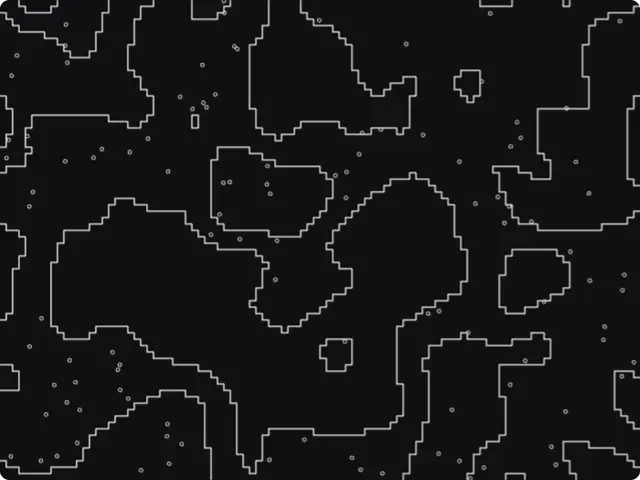
Contour lines from a noise field or from an image, stepped or smooth, with tinted bands and scattered dots. It moves slowly, like a map that breathes.
Get this tool
Opens Blueprint with this request. Send it as is and you get your own copy of this tool, without spending credits:
Animated topographic contour lines from a noise field or my own image, with tinted bands and dots
Free account, no credit card. Try every control on this page; export and keep the tool from your account.
Prefer your own coding agent? Build it with Claude Code, Codex or Cursor: connect your agent.
Presets
- Blueprint night
- Topographic
- Pixel ocean
- Acid veins
6 versions made with Contour Field
The tool’s own output, from the same input as the version above: each of its presets, then other seeds. Every image comes straight from the tool.
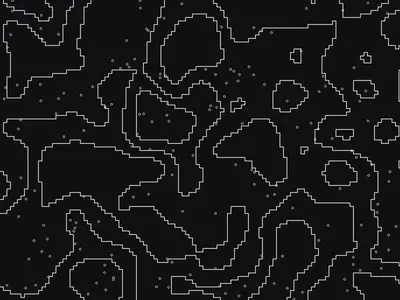
Blueprint night preset 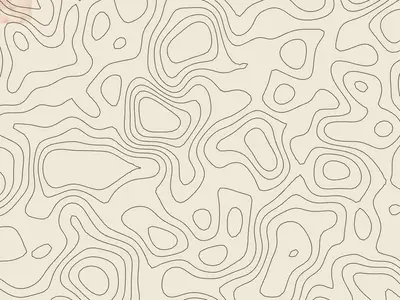
Topographic preset 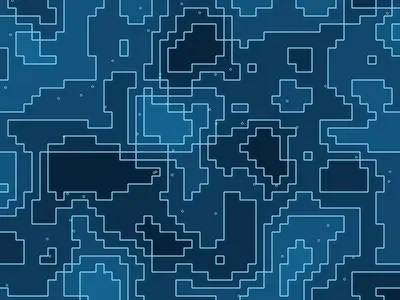
Pixel ocean preset 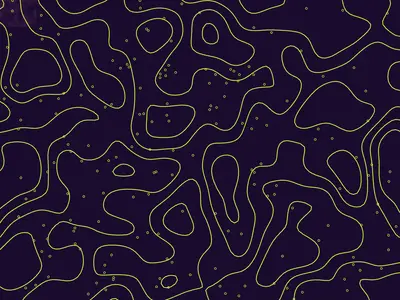
Acid veins preset 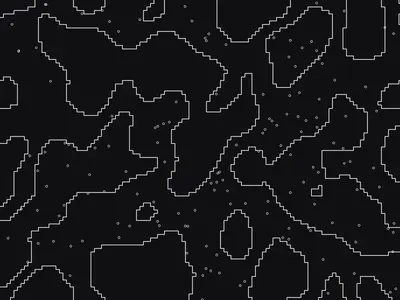
Seed 1207 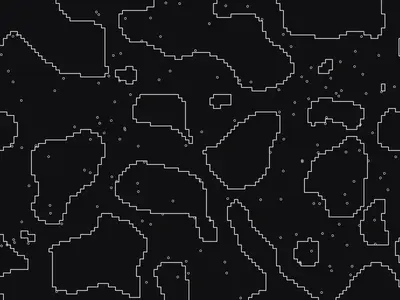
Seed 58311
Try the controls
Every slider, preset and option works here, without an account. To export or keep the tool, create a free account.
What contour lines show
On a topographic map, a contour line joins points at the same height. Each line is one level, and the step between two lines, the contour interval, stays the same across the map. Where lines crowd together the ground is steep; where they spread out it is flat; closed loops mark hills and hollows.
The same lines show up far from maps: isobars on weather charts, depth lines on sea charts, heat maps. Designers like them because they turn any smooth field into a set of calm, organic lines with a built-in sense of depth.
How this contour generator works
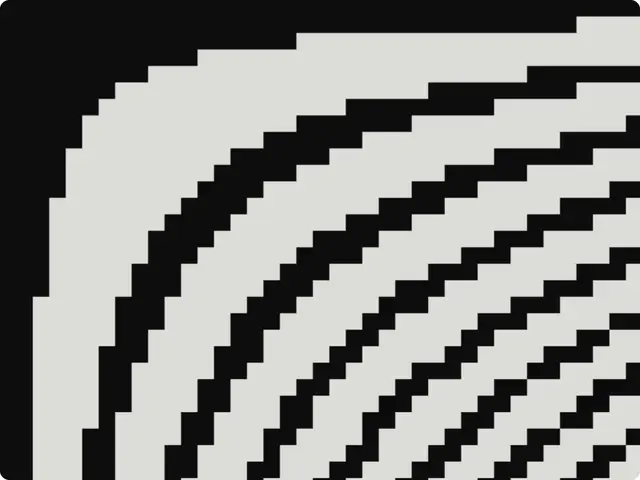
The tool builds a height field, from animated noise or from the brightness of an image you upload, then draws a line wherever that height crosses one of the levels. In Stepped pixels style the lines follow the grid and look like a pixel map; in Smooth style they are traced as clean curves. The version shown here is the stepped, black one.
- Outlined field: live noise, warped shapes, ridges, cells, blobs, flow bands, or an image. Noise scale and Seed change the terrain.
- Style and Resolution: stepped pixels or smooth lines, and how fine the grid is.
- Levels and Threshold: how many contour lines, and where they sit.
- Line weight: the thickness of the lines.
- Dots, Dot size and Band fill: scattered dots and tinted bands between lines.
- Speed and Image wobble: how fast the field moves, and how much an image is distorted.
- Background, Lines and Fill / dots: the three colors.
What designers use it for
- Backgrounds for outdoor, travel, sport and science brands.
- Posters and covers with a cartographic feel.
- Slow looping visuals for websites, screens and presentations.
- Turning a logo or a portrait into contour lines, by using it as the image source.
Tips
Fewer levels with a thicker line read as graphic; many thin levels read as a real map. With an image source, a soft, blurred picture gives smoother contours than a sharp photo full of detail. Band fill with a color close to the background adds depth without noise. The presets are Blueprint night, Topographic, Pixel ocean and Acid veins.
Make a variation of it
Need contours that follow a logo, isolines on a grid, or a 3D terrain? Describe it and Blueprint builds the tool. Ask for changes in plain words; every change is saved as a version.
Questions
Can I make contour lines from my own image?
Yes. Get your copy of the tool with the button on this page, choose Image as the outlined field and upload a picture: its brightness becomes the height.
Is the topographic map generator real map data?
No. It draws contour lines from a noise field or an image, for graphic design. It does not use elevation data.
Can I export it as a video?
Yes, once you have your own copy. The tool is animated, so it exports a short video as well as a PNG of the current frame.
More tools

What tool do you need?
Describe it in a sentence. Blueprint builds it with sliders, presets and export. Your first tool is free.
See how it works